# Login to Avo Assure with OKTA
### SSO (Single Sign-On)
SSO simplifies user authentication across multiple systems, and RBAC ensures users can only access resources appropriate to their roles. Together, they provide secure and efficient access management.
### Steps to Login
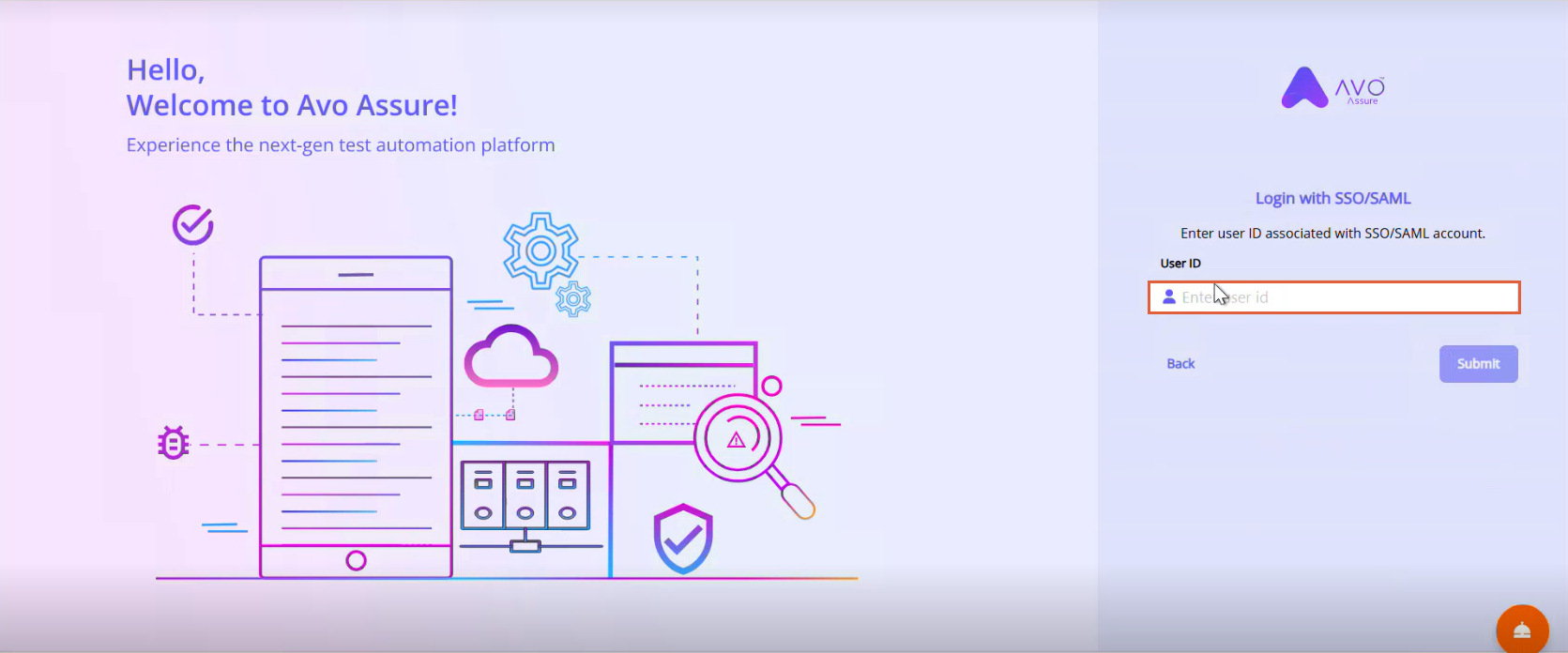
1. On **Login** page, Select **Use Single Sign-On/SAML**.
2. On **Login with SSO/SAML** page, in **User ID** textbox, enter your organization's user id.
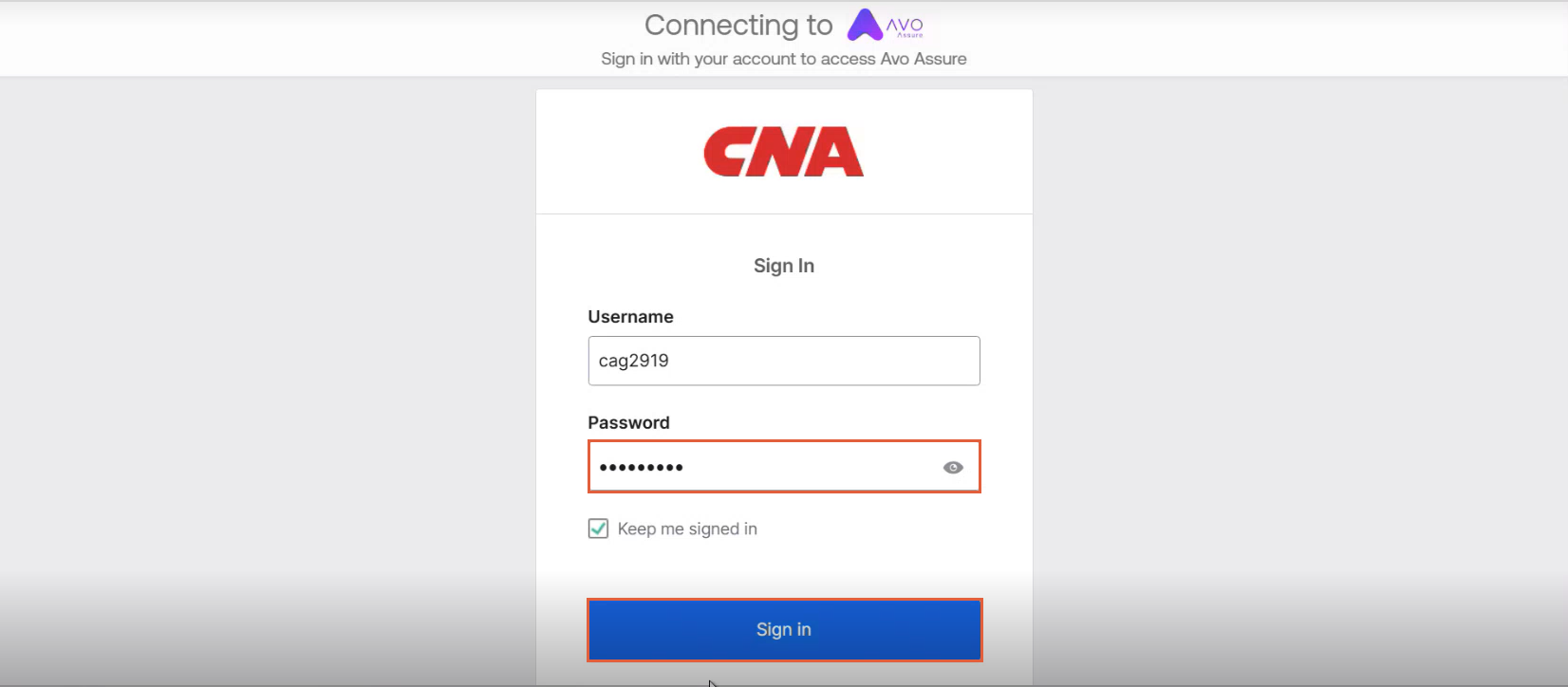
1. Select **Submit**, Connecting to Avo Assure page appears.
2. In **Password** textbox, enter password for your organization's user id.
{% hint style="info" %}
Note:
* You can also select **Keep me signed in** checkbox to keep your account logged in.
* The system asks for a password only when you log in for the first time.
{% endhint %}
5. Once the credentials are entered, select **Sign in**. The Avo Assure **Home** page appears.